Tailscale & ZeroTier Support
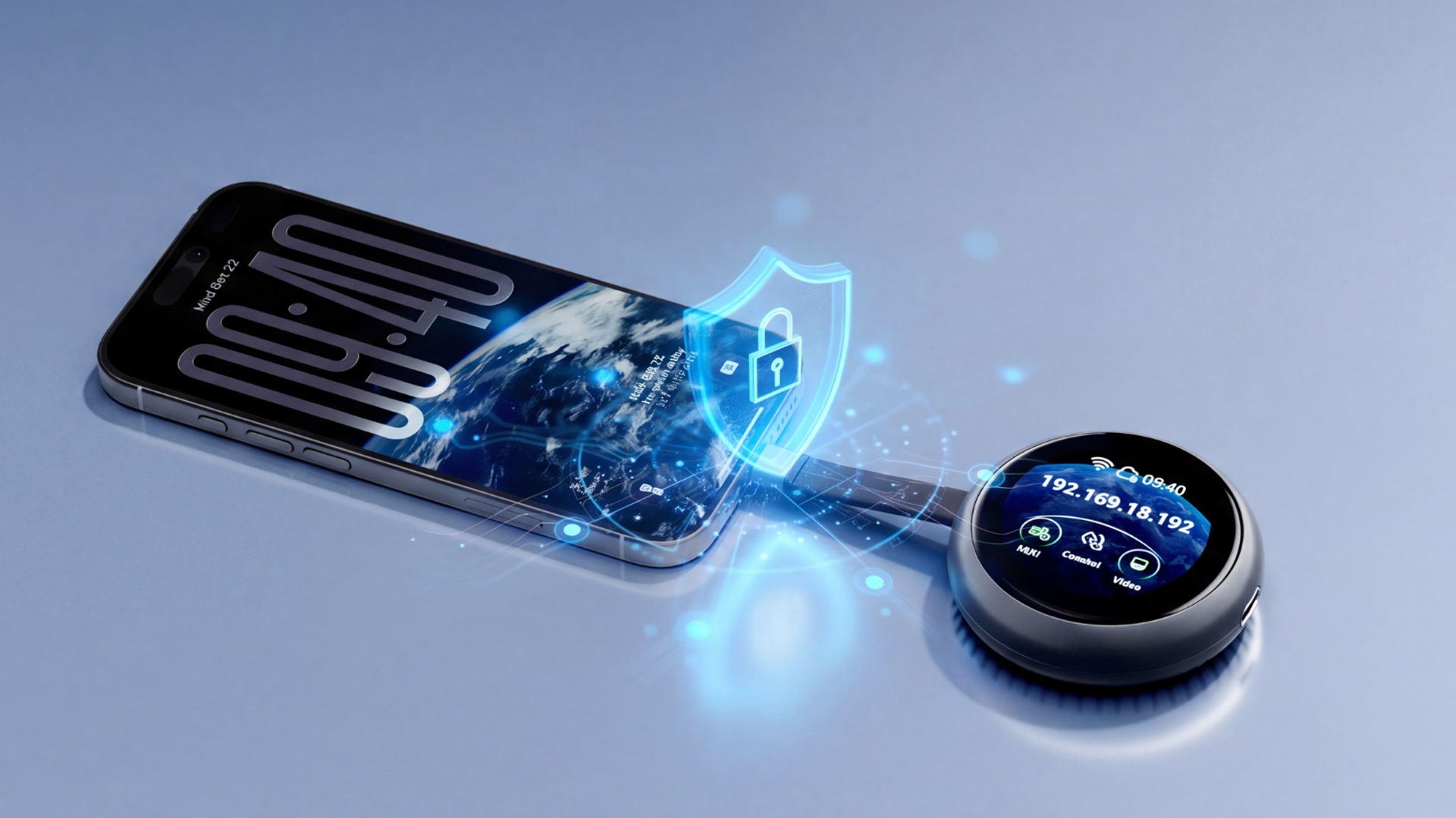
Built-in support for Tailscale and ZeroTier lets you access your devices securely over the internet—from any location worldwide, without opening firewall ports.

Plug Comet Q into your iPhone, Mac mini, or laptop, open a browser on your Windows/iOS device, and you're in control in seconds.
No driver to configure. No setup hassle.
🚀 Back this Project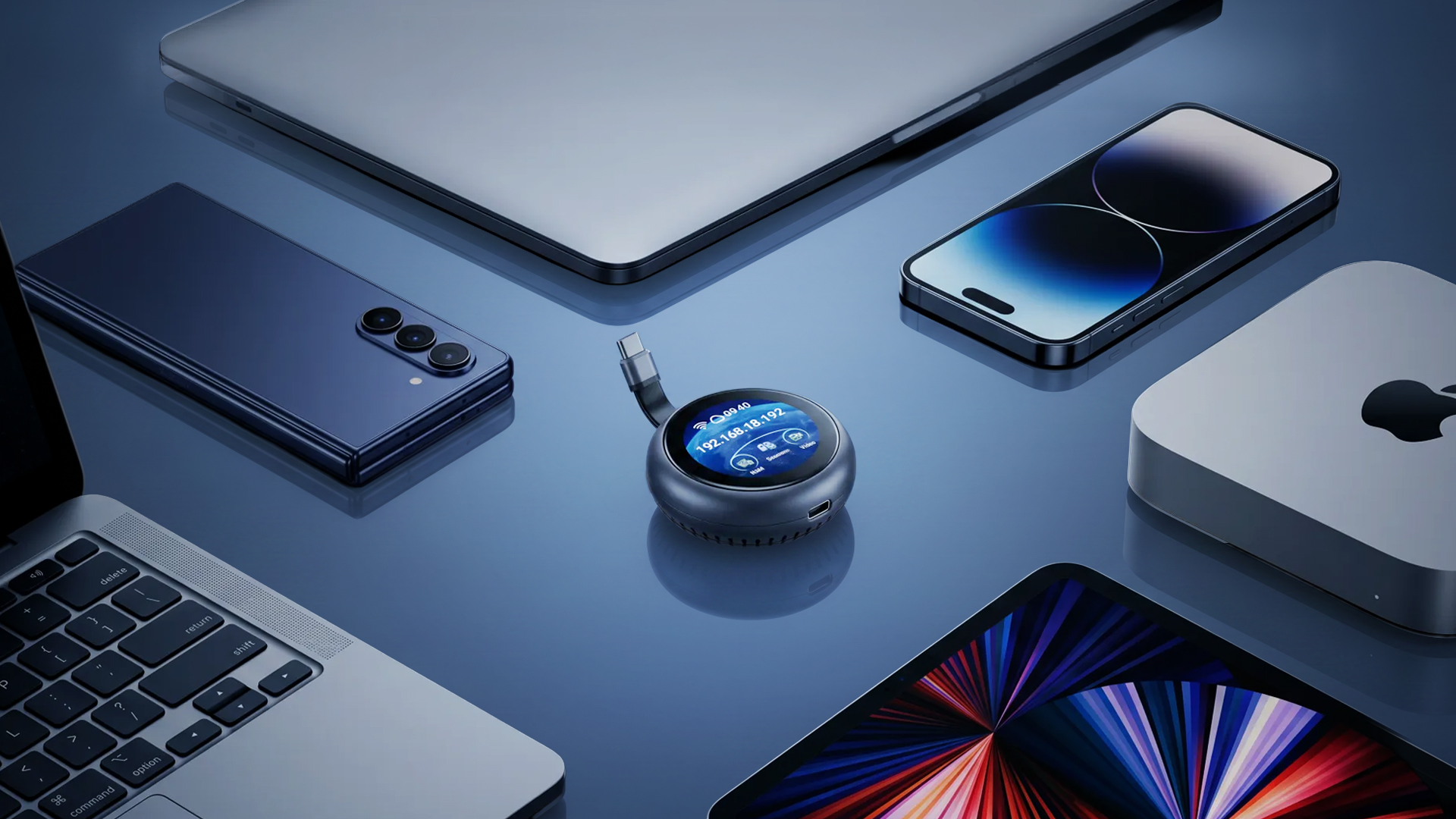
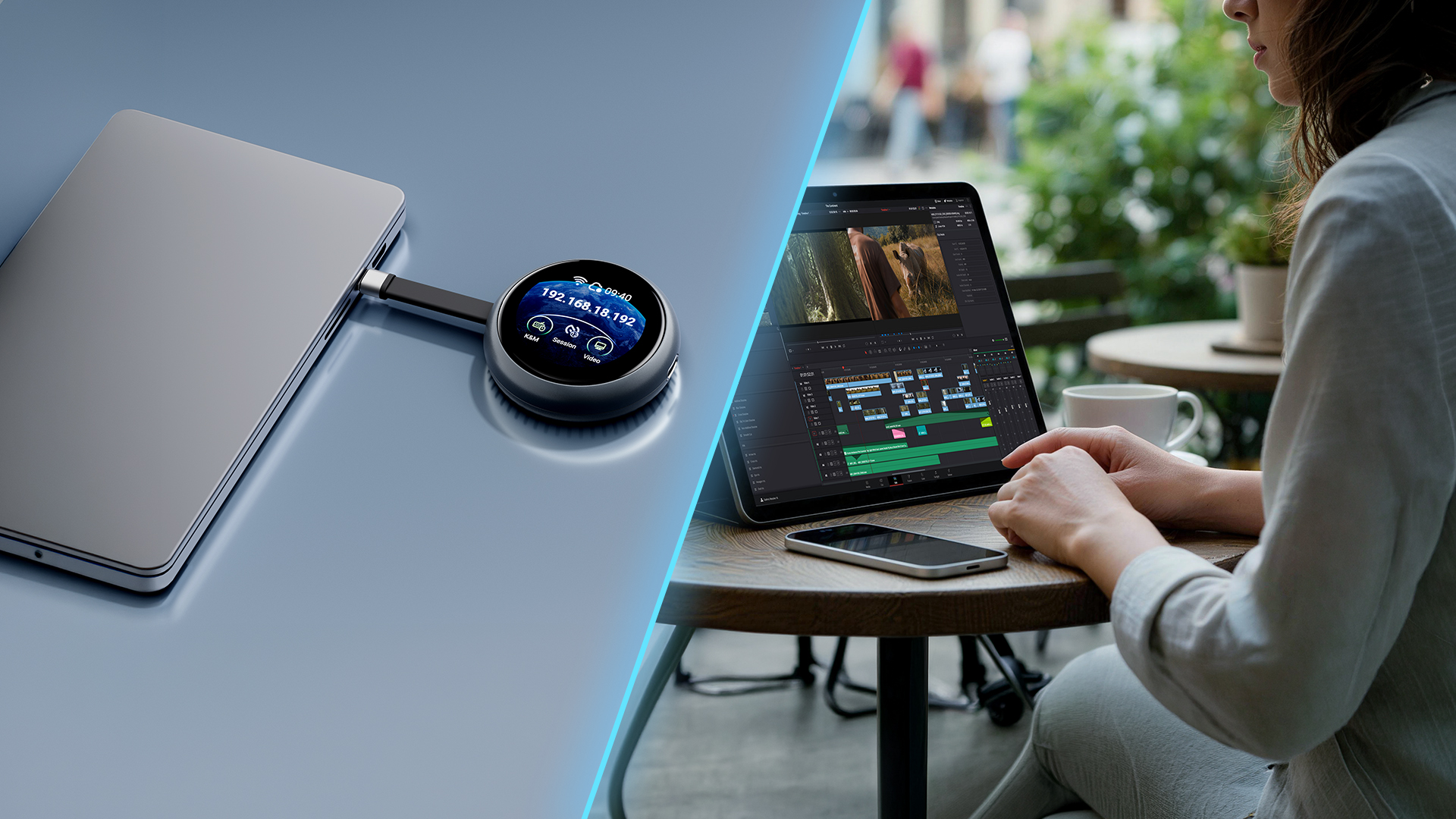
Comet Q is a palm-sized device you plug into your mobile phones, Mac mini, or any laptops via USB-C. The moment it's connected, you can open a browser and take full control of that device.
No software to install. No complicated network setup. The built-in 1.8" touchscreen allows quick setup, check status, and trigger actions right on the unit itself.
It's the first KVM in the world that supports iPhones— meaning you can unlock, tap, swipe, and fully operate an iOS device from a Windows desktop, something previously impossible.
Comet Q works with any device whose USB-C port supports DisplayPort Alt Mode for video output. This includes, but not limited to:
No driver install. No complicated setup. Just connect, power, and take control from your browser.
Use the built-in USB-C cable to connect Comet Q to the device you want to control. For everyday use, Comet Q draws power directly from that device.
For long-hour operation, or when the controlled device has only one USB-C port and also needs charging, plug external power into Comet Q’s second USB-C port.
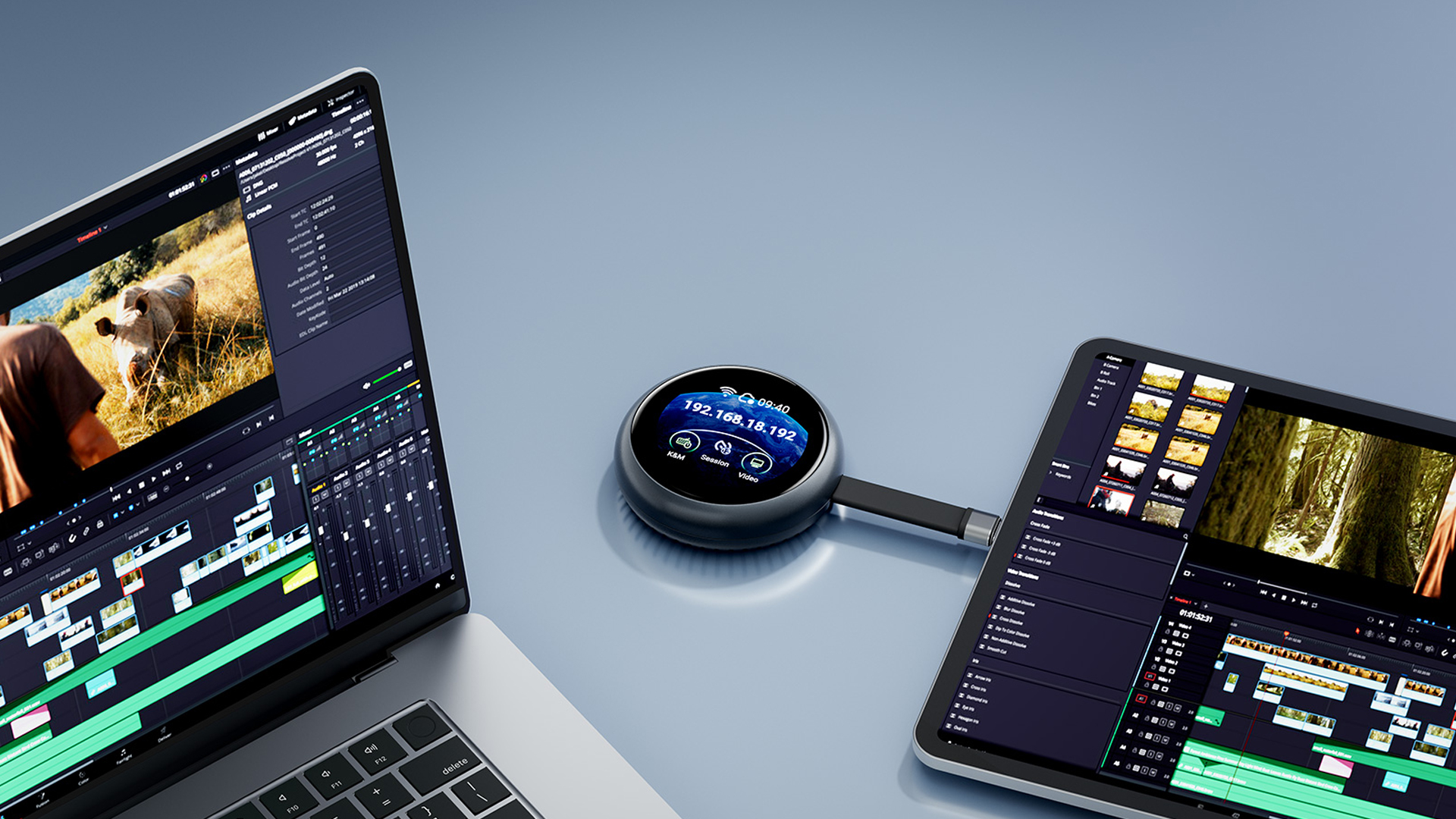
Comet Q connects to a nearby Wi-Fi network so you can access its admin panel remotely from any device, on any OS. Even if the controlled device is offline or restarting, control stays with Comet Q.
Every feature you need is packed into a compact device that fits in your pocket.

Whether you're an iOS developer, a remote IT pro, or just someone managing too many screens—Comet Q solves it.
Test your iOS app on a real iPhone from your Windows workstation. No Mac required for UI interaction, interact, capture, and iterate without touching the device.
World's FirstManage headless servers, Mac minis, and kiosk devices from anywhere. BIOS-level access over IP, no OS required to be running.
Hardware KVMRun a tight multi-device setup without extra monitors. One browser tab gives full control of all your machines, including that Mac mini tucked behind your desk.
All-in-OneControl your iPhone camera or secondary Mac from your main PC during a live stream. Switch sources, adjust settings, all without leaving your desk.
Live ControlDeploy Comet Q on shared devices in the office. Anyone on the network can securely take control from their browser, no IT ticket required.
Zero-InstallLeft your phone at home? Control it remotely. Need to access files on your office Mac mini? Comet Q keeps it reachable no matter where you are.
Anywhere Access| Interface | 1 x USB Type-C (power passthrough) 1 x USB Type-C Cable (support DP Alt Mode) |
| Operating System | Buildroot |
| CPU | ARM Cortex, quad-core |
| Memory / Storage | LPDDR4 512 MB / NAND 512 MB |
| Display Screen | 1.8 in, touchscreen |
| Wi-Fi Protocol | IEEE 802.11 a/b/g/n/ac/ax |
| Wi-Fi Speed | 5 GHz: 286 Mbps 2.4 GHz: 286 Mbps |
| Antennas | 1 x internal Wi-Fi antenna |
| Resolution | 2K QHD@60FPS |
| Power Input | Type-C PD, 5V/3A |
| Dimension | 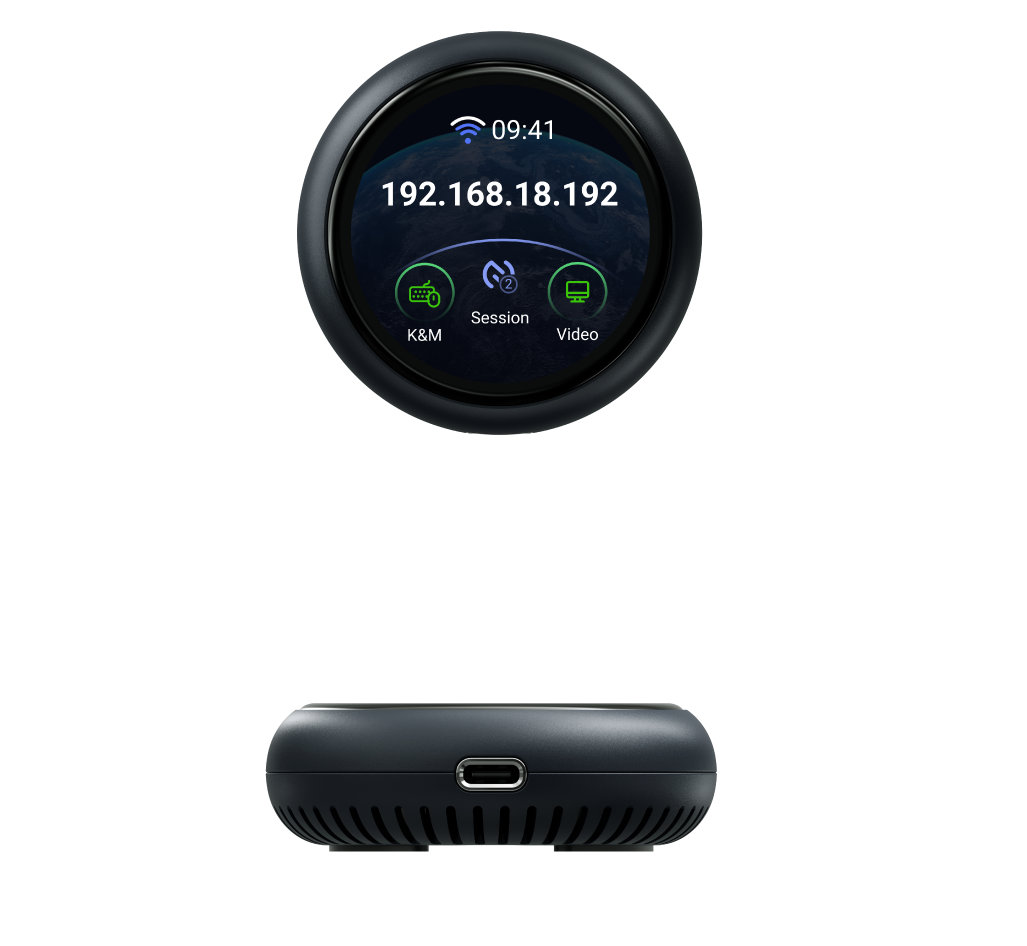
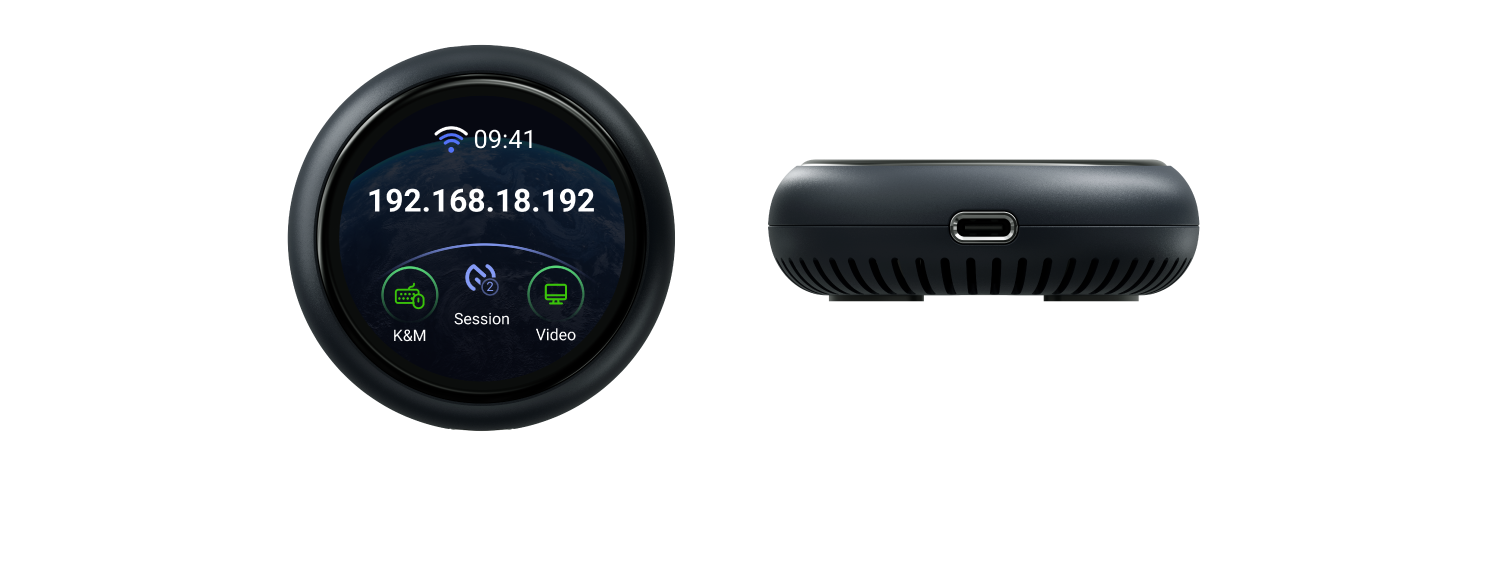 |
| Tools & Downloadables | Media Kit |